Add Domain
To Add a Domain
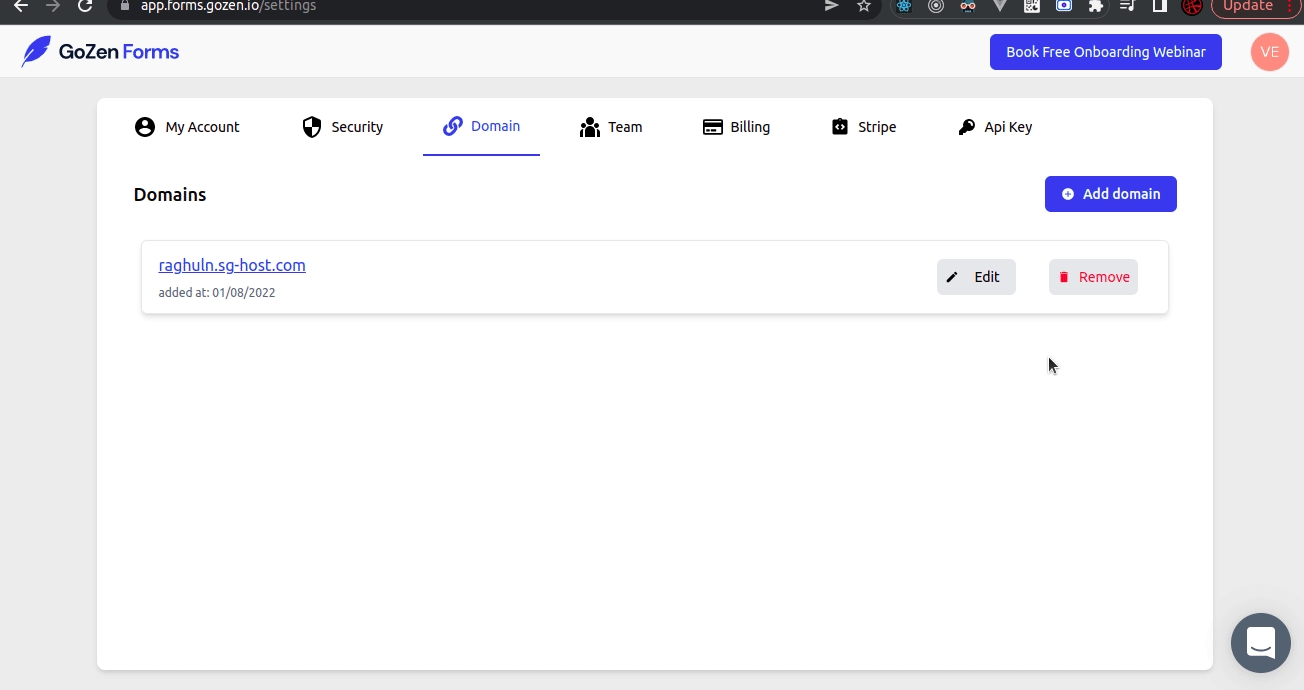
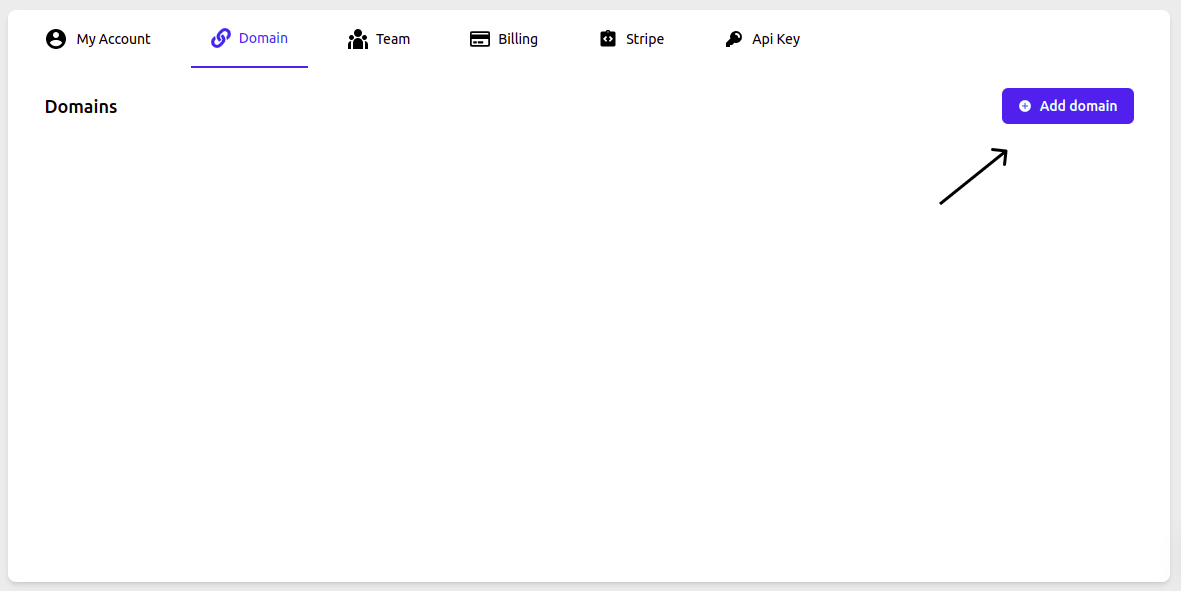
Navigate to Settings and Click Domain.
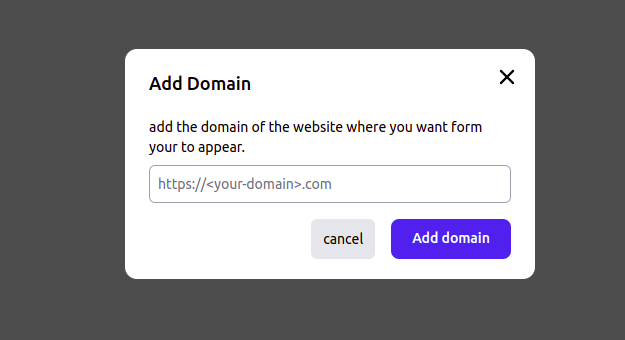
You need to Add Domain of the website where you want the form to appear
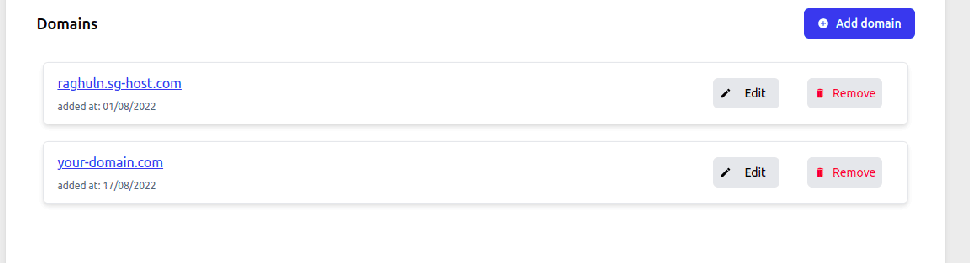
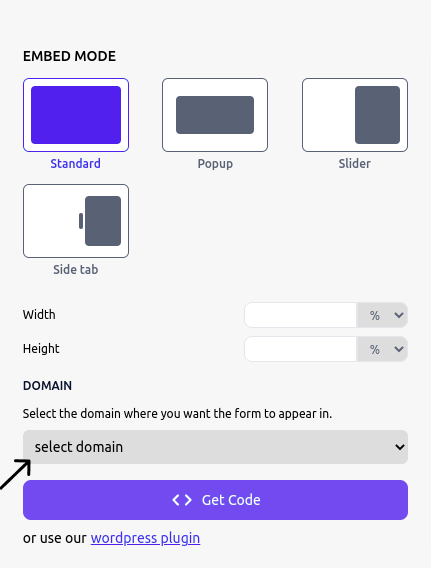
Your domain will be added Then you need navigate to share panel and select the domain you want to form to appear
Click on Get Code Copy and paste the code in your site code where you want the form to appear.
Last updated